1.0.0-beta.12
- The off hand now reaches in naturally from your left to pull the sheath off.
- The Hidden Blade stays out while you hold it.
Custom 3D knives and guns, shader visuals, emotes and a glass menu that's all yours. A standalone Minecraft client built to look incredible and stay light.
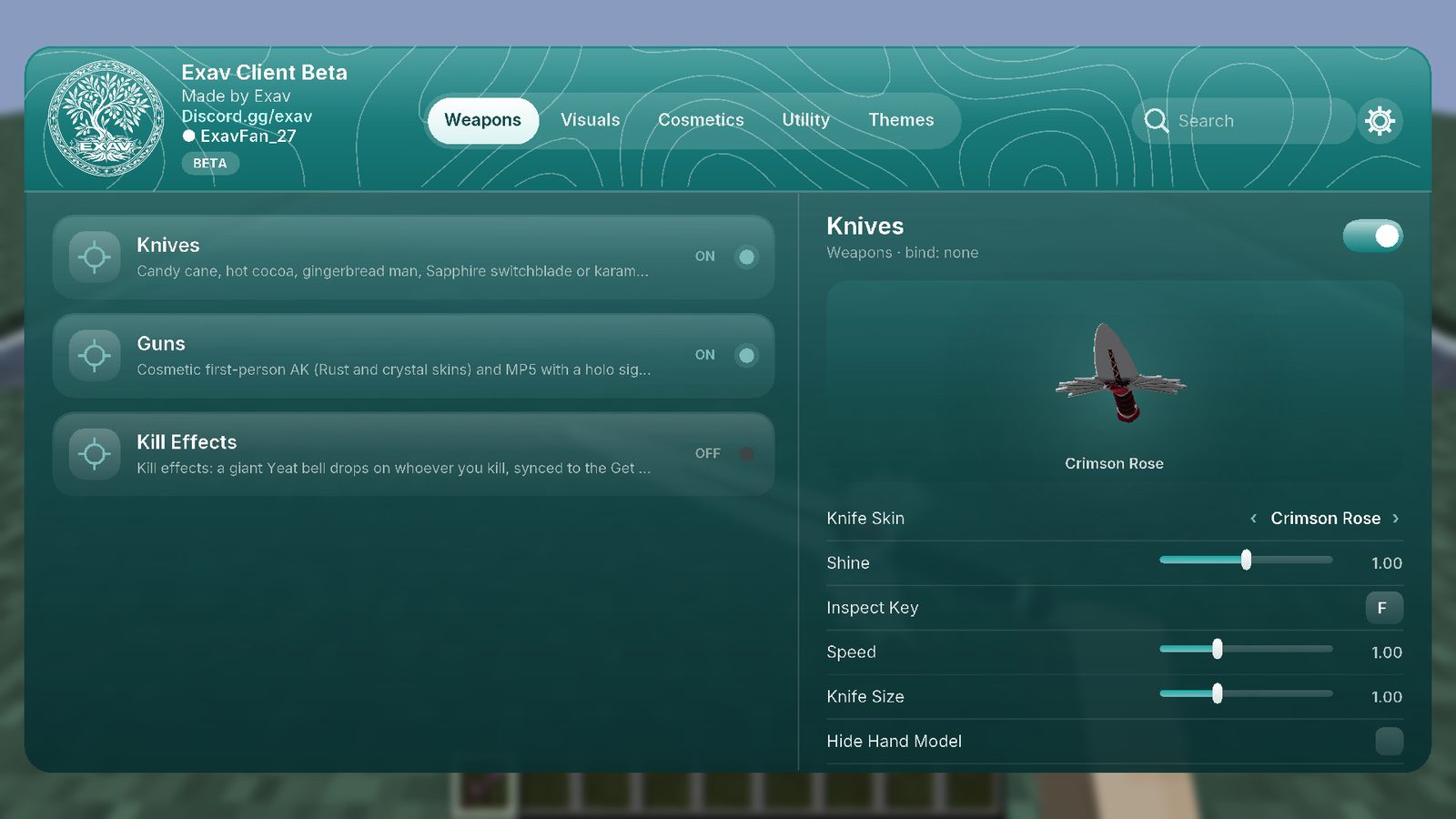
Sculpted 3D models held in your real arm, wearing whatever skin you see yourself in. Swing, flip, inspect.
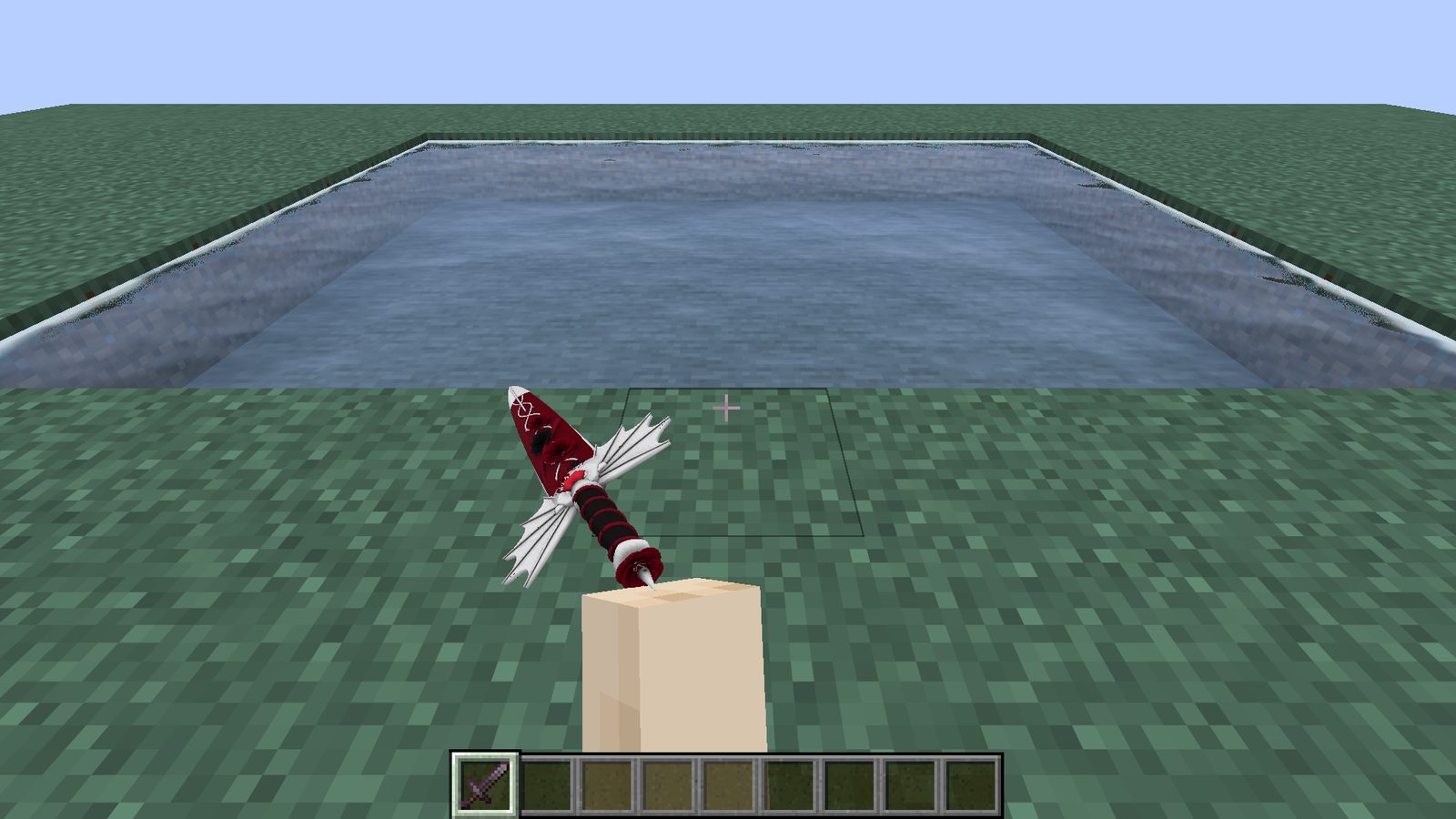
Draw a gothic dagger and you look it over before your off hand pulls the sheath off. The karambit comes in eight skins. Every knife gets snap-and-hold inspects, wide swings and a recolourable swing trail.
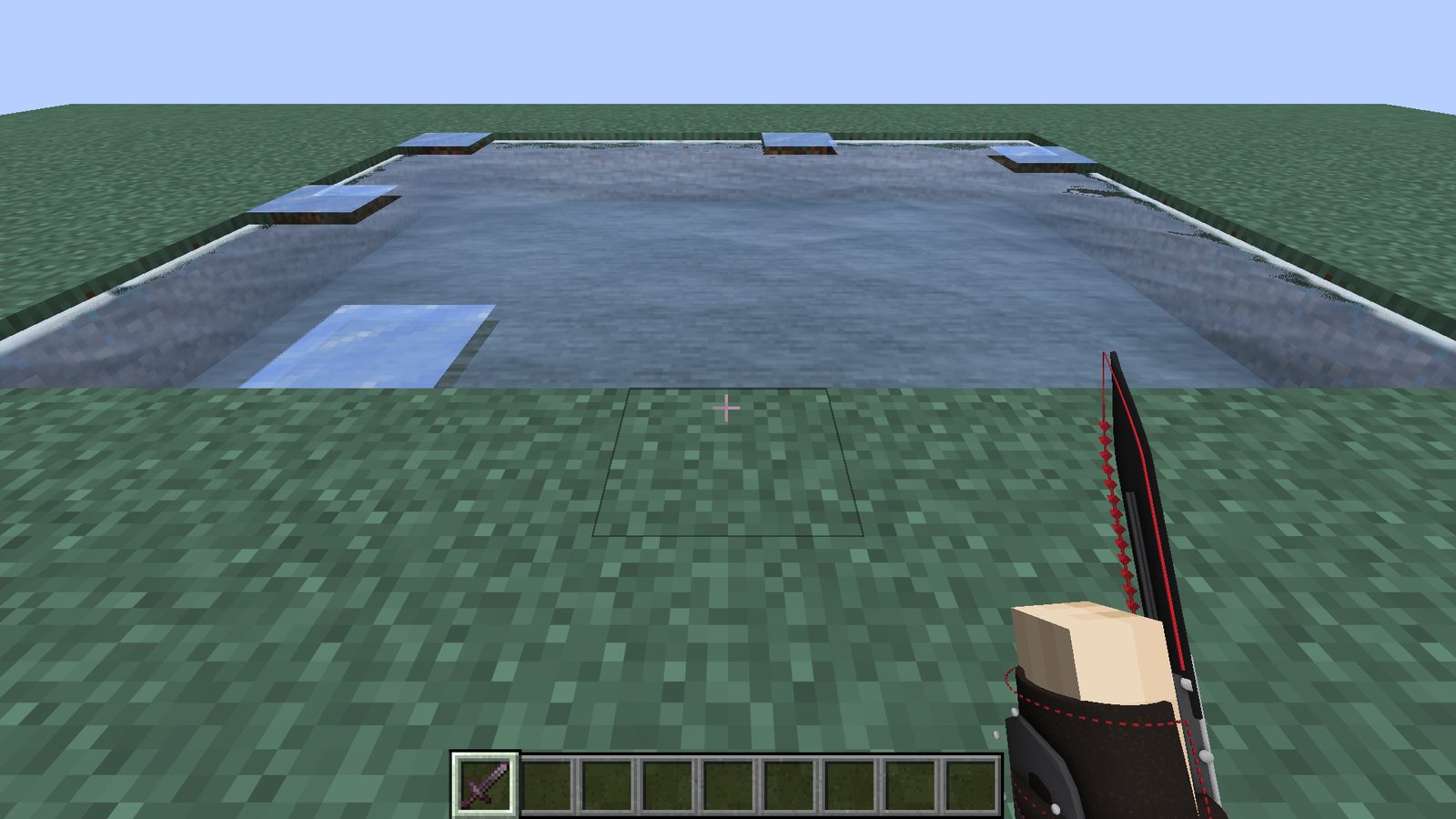
Strapped to your forearm, blade out past your fist. Its inspect flicks the blade, swings your arm up and rolls the wrist to show off the bracer.
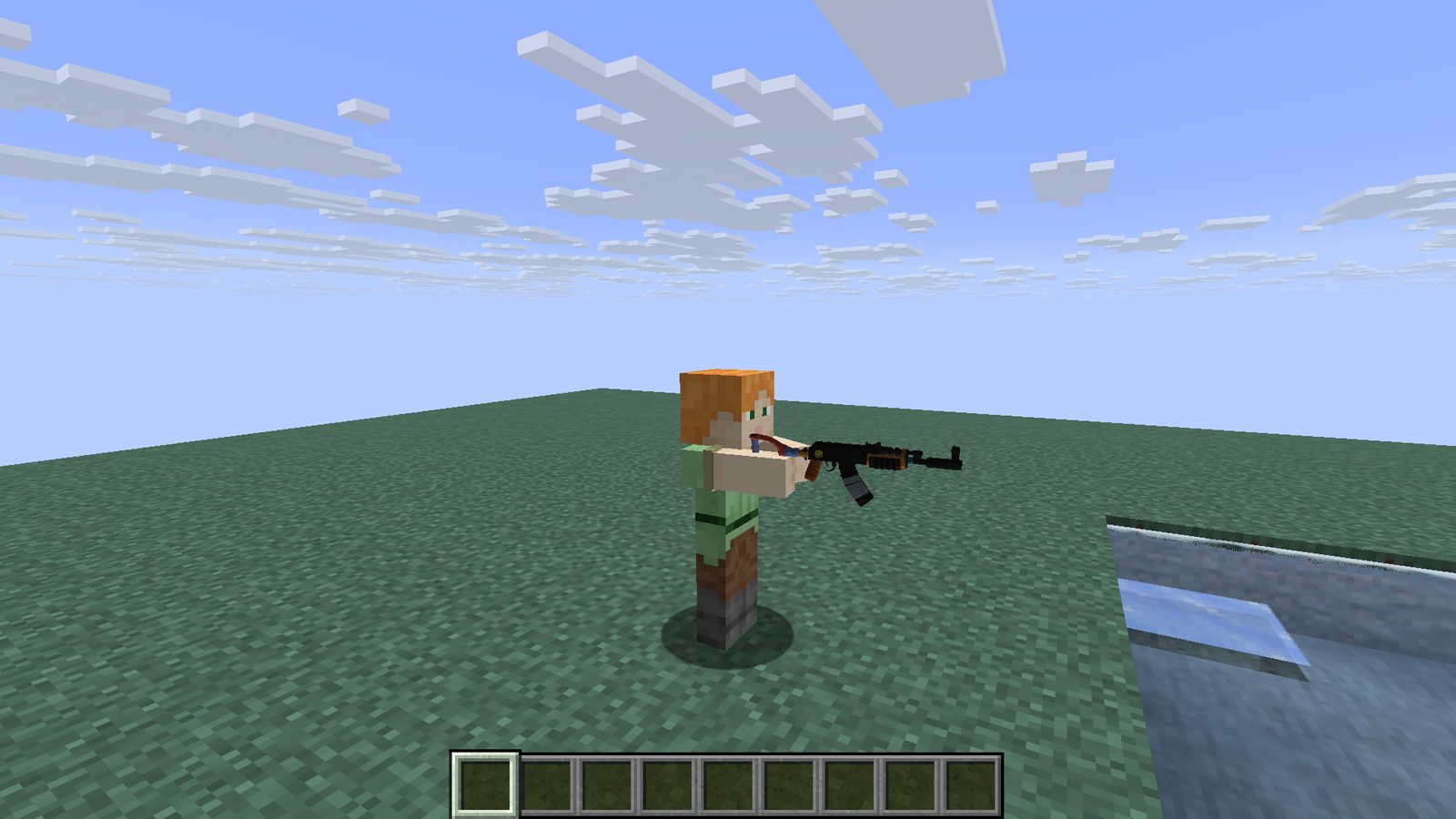
A first-person AK with Rust and crystal skins, an MP5 with a holo sight, and an engraved pistol in four high-shine finishes. Aim, recoil, reload and inspect. Everything is client-side and cosmetic only.
Hand-written shader effects for water, rain and hits, tuned to cost almost nothing when you're not looking at them.
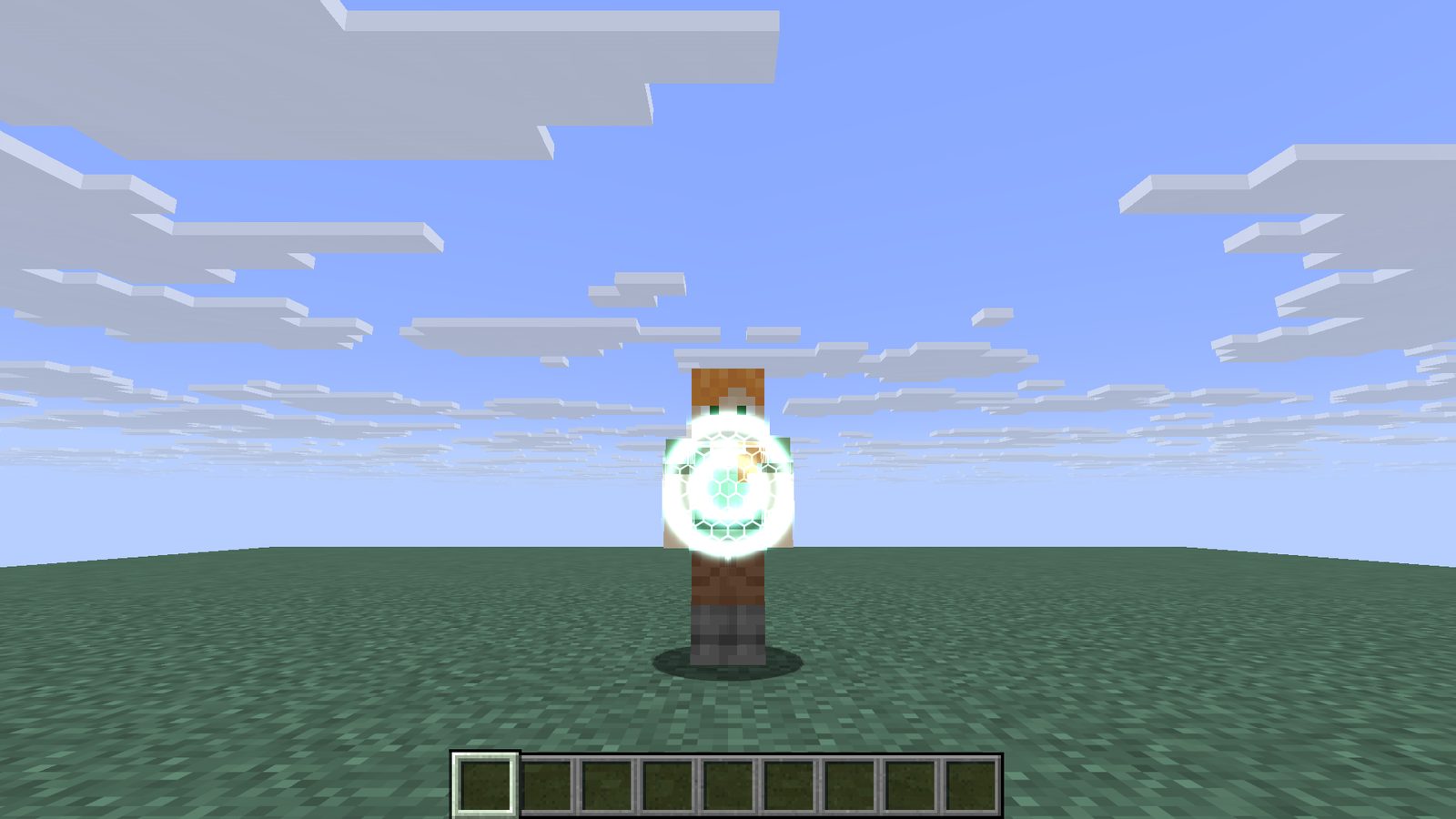
Land a hit and a shock wave of light races across their body and armour from the exact spot you struck.
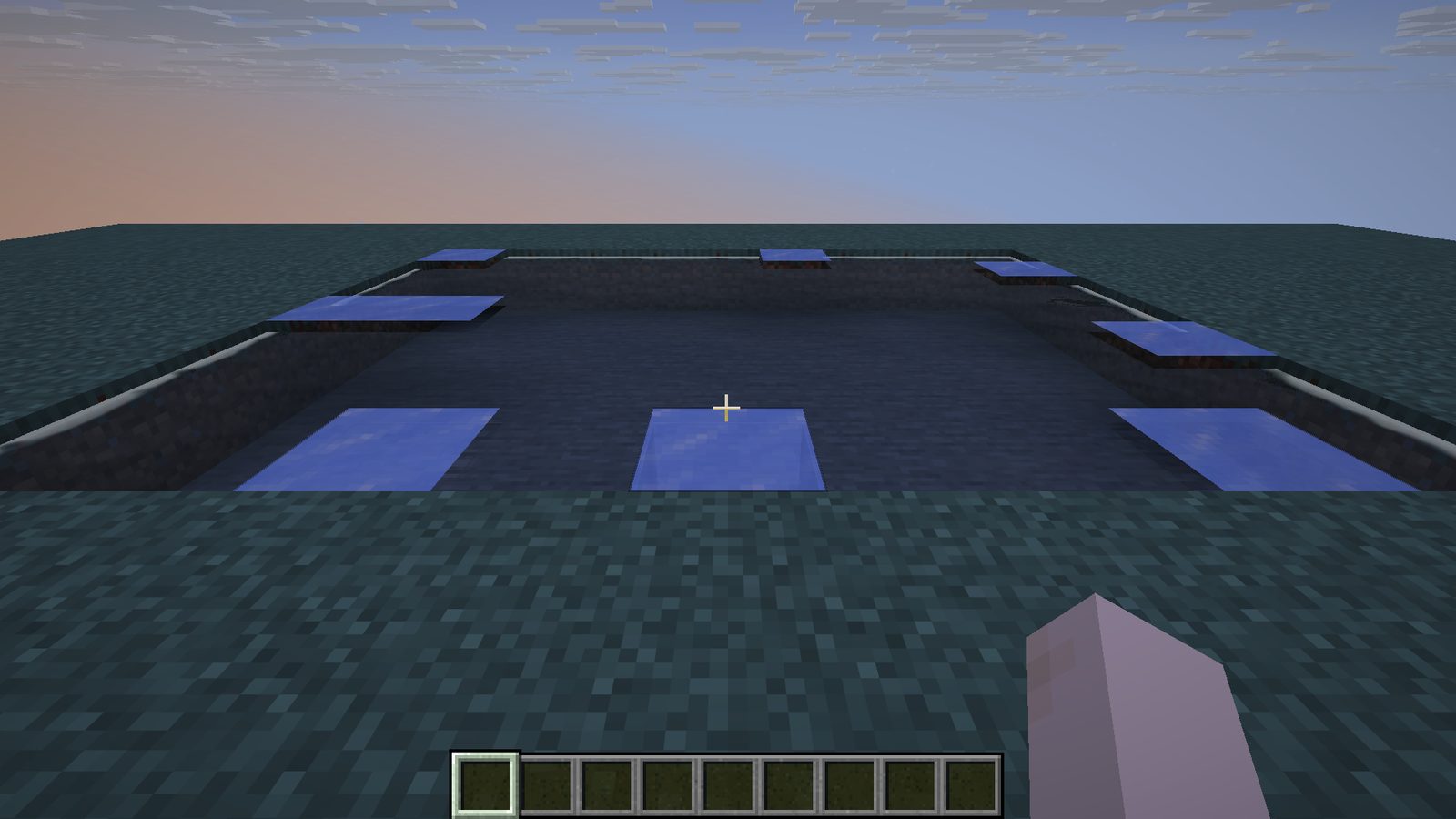
Rolling waves, sky reflections and soft foam where the water meets the shore.
A wet sheen on the ground that mirrors the sky, with ripples in every raindrop.
Glowing Minecraft-shaped footprints that fade behind you.
A ring of light spreads across the ground when you jump and land.
Your colour, your thickness, a soft fill, and it glides between blocks.
The song you're playing, word by word in time, written across the sky.
Custom skies, Clear Water, Item Physics, Mini Items, Clear Grass, Low Fire, No Weather, Zoom and Free Look.
Emotes, pets, hats and capes.
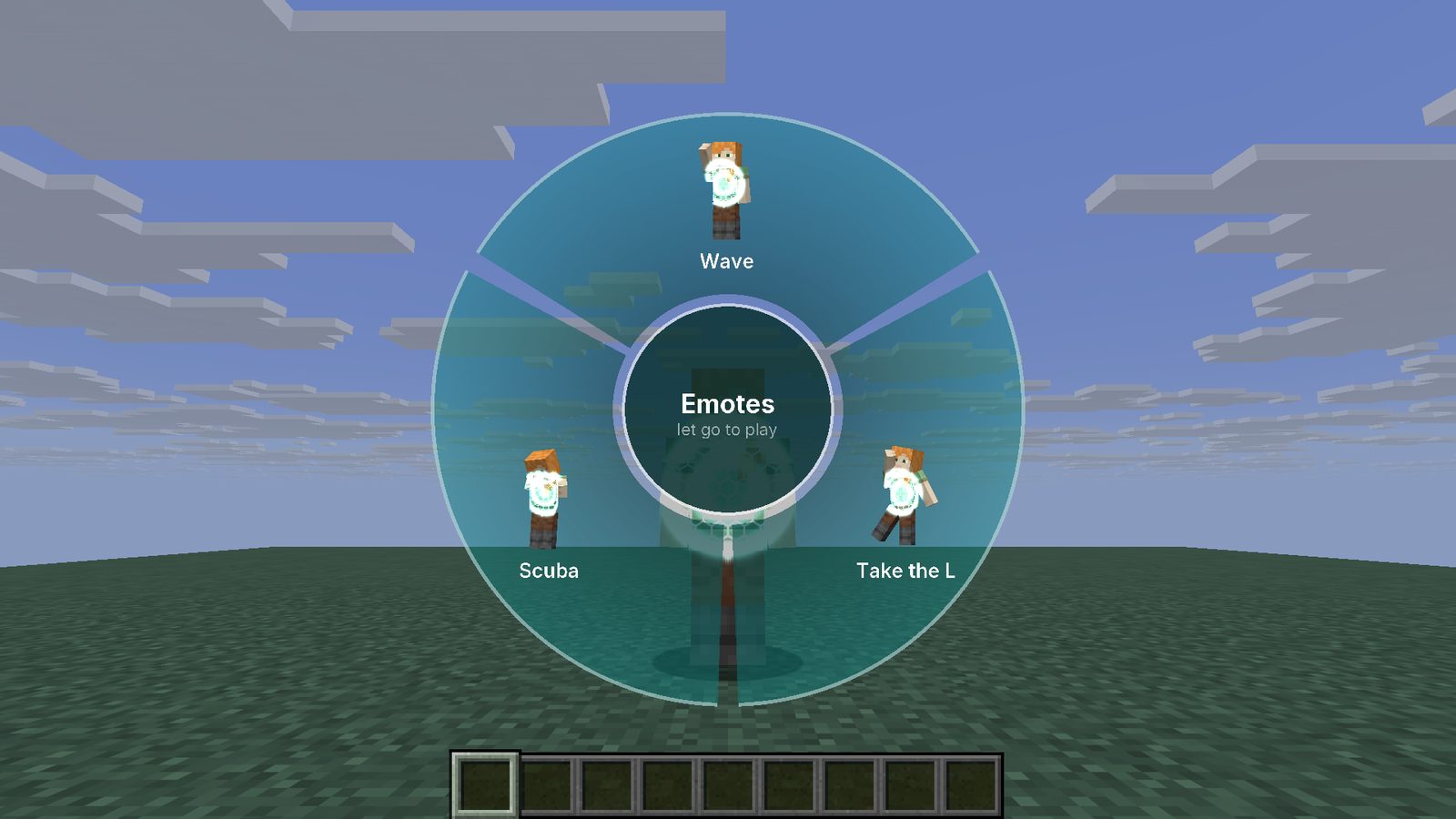
Hold B, point, let go. Each slot shows your own skin doing the move in 3D, and the camera swings out so you can watch yourself.
Rudolph flies out for a pet and a wink, or your cat catches a fish.
Santa, elf, antlers, top hat, tree or a glowing crown in your colours.
Any picture as your cape, with an optional wavy cloth motion.
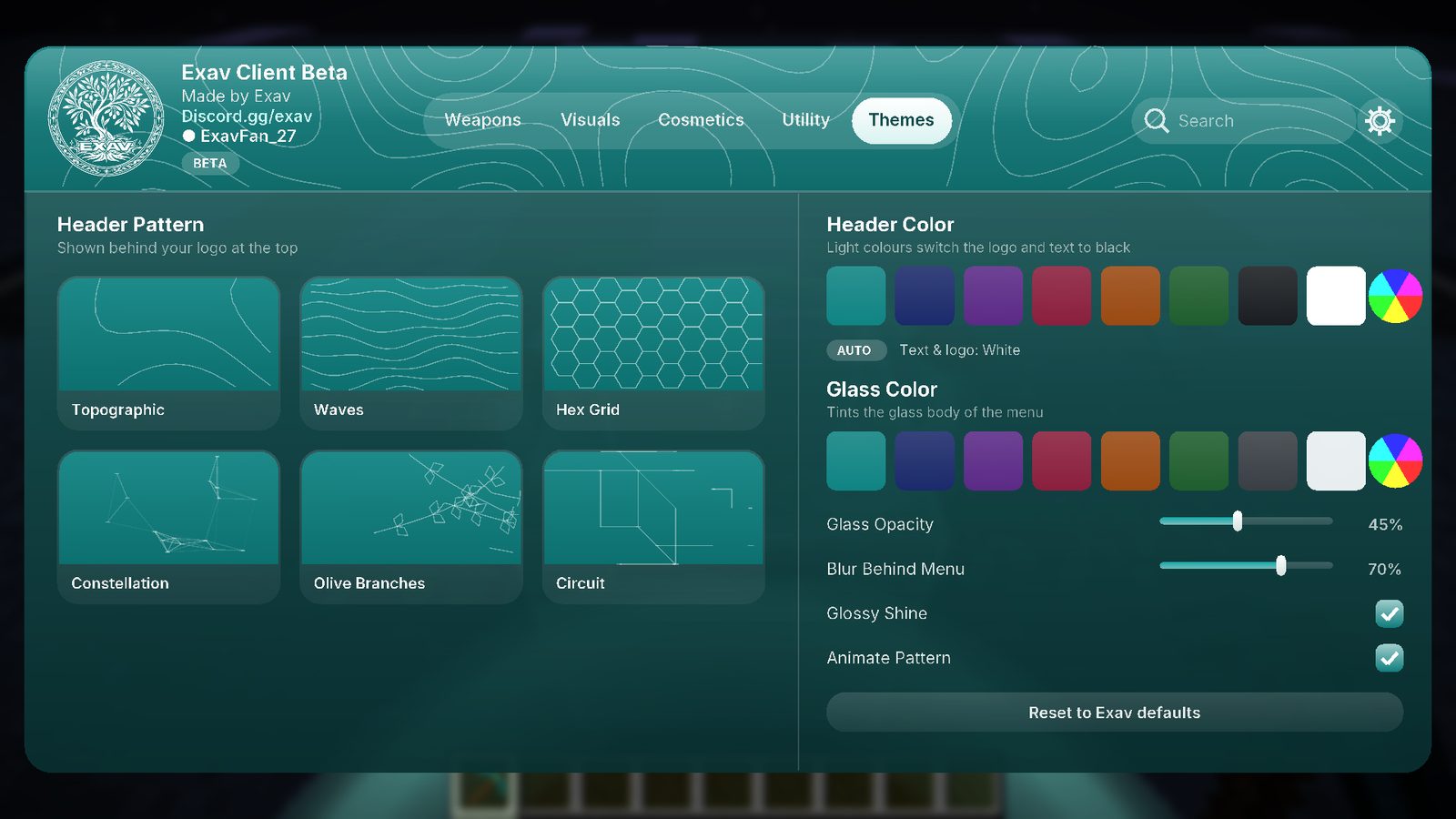
Six animated header patterns, any header and glass colour, blur, shine and opacity. Your logo builds itself on the loading screen, and every menu gets rounded glass buttons.
Utility too: a Training Bot to practise PvP on, Chest Preview, and keybinds for every module.
Pay securely through Tebex. Your key arrives straight after payment.
$5one-time · 30 days
$10one-time · forever
Already bought? Log in with Discord to get your key.
After you buy, log in with Discord on Your account. Your key and the latest download are waiting there.
mods folder, with Fabric Loader and Fabric API for Minecraft 1.21.11.Tebex emails you a receipt with a transaction ID. Enter it with your email on the Your keys page after logging in with Discord.
Each key works on one PC. If you get a new one, ask on the Discord or email support@exavclient.org and we'll move it.
Not yet. Everything is client-side, so for now only you see them. Seeing other Exav players' weapons is planned.
The weapons and visuals are cosmetic and only change what you see. Nothing extra is sent to servers. Always follow each server's own rules about client mods.
Exav Client hasn't been tested alongside Sodium yet. Realistic Water switches itself off when Iris shaders are installed.
Effects only run while they're on screen, and the heavier ones scan the world in short bursts, not every frame. Turn off anything you don't use in the menu.